Is It Your Internet or Your Wi-Fi?
The first step in solving slow Wi-Fi is understanding the difference between your internet connection and your Wi-Fi. The internet connection is the service provided by your ISP and enters your home through cables or a satellite dish. On the other hand, Wi-Fi is the wireless signal that your router distributes to your devices. If the connection is fine but your Wi-Fi is slow, the problem is likely within your home setup. Checking the router, placement of devices, or interference can fix the issue without needing to contact your provider. Remember that many apparent issues can be resolved with a few simple adjustments. Imagine the Wi-Fi works well in your living room but cuts out in your upstairs bedroom, indicating the need for better router placement or equipment adjustment. It's always good to address these factors before assuming your internet provider is the culprit.
Restarting Your Router and Modem
A basic but effective fix for slow Wi-Fi is restarting your router and modem. Turn both devices off, wait around 30 seconds, then switch them back on. This process can clear temporary glitches, reset your connection, and even apply necessary updates that take care of any bugs that might be slowing the Wi-Fi. Modern tech isn't perfect, and just like computers, routers benefit from a good reboot. It's a quick process that often solves problem areas and restores normal Wi-Fi performance without further intervention. Ensuring that this step is one of the first actions you take can save you both time and frustration. Remember, if the issue persists, this step will have reset preliminary issues, allowing for additional troubleshooting to be more effective.
Does Router Placement Matter?
Yes, router placement is crucial to Wi-Fi performance. Place your router centrally, away from thick walls, metal objects, and sources of interference like microwaves and fish tanks. Elevate it on a shelf as high as possible to expand coverage. This setup increases the range and consistency of the signal throughout your home. Central positioning helps prevent areas of weak coverage, ensuring every part of your home receives a strong connection. By rearranging the router's location, you'll likely see an immediate difference in signal strength. If your signal still isn't reaching everywhere you need, consider additional solutions like a mesh system or Wi-Fi extender.
Understanding Wi-Fi Bands
Many modern routers offer two Wi-Fi bands—2.4 GHz and 5 GHz. The 2.4 GHz band is more crowded and slower but offers better range, making it ideal for devices far from your router. The 5 GHz band is less crowded and faster, but it has a shorter range. Having both bands allows your devices to automatically switch between them for optimal performance. Most devices today support both bands, and many routers manage this switch automatically. Knowing how these bands work lets you tweak your Wi-Fi use to get the best speed possible. For better understanding, manually connect some devices to the 5 GHz band if they are within range and see immediate speed increases.
Heavy Use and Device Overcrowding
Too many devices or heavy use at the same time can easily slow down your Wi-Fi. Activities like video streaming, downloading large files, or multiple video calls can saturate the bandwidth, leading to slower speeds for everything connected. Monitoring active devices and planning heavy use times, like scheduling large downloads for when the network is less busy, can greatly improve speeds across all devices. Use your router's management interface to view currently connected devices, which can help in figuring out which devices can be paused or disconnected when bandwidth is in high demand.
Mesh Systems and Wi-Fi Extenders
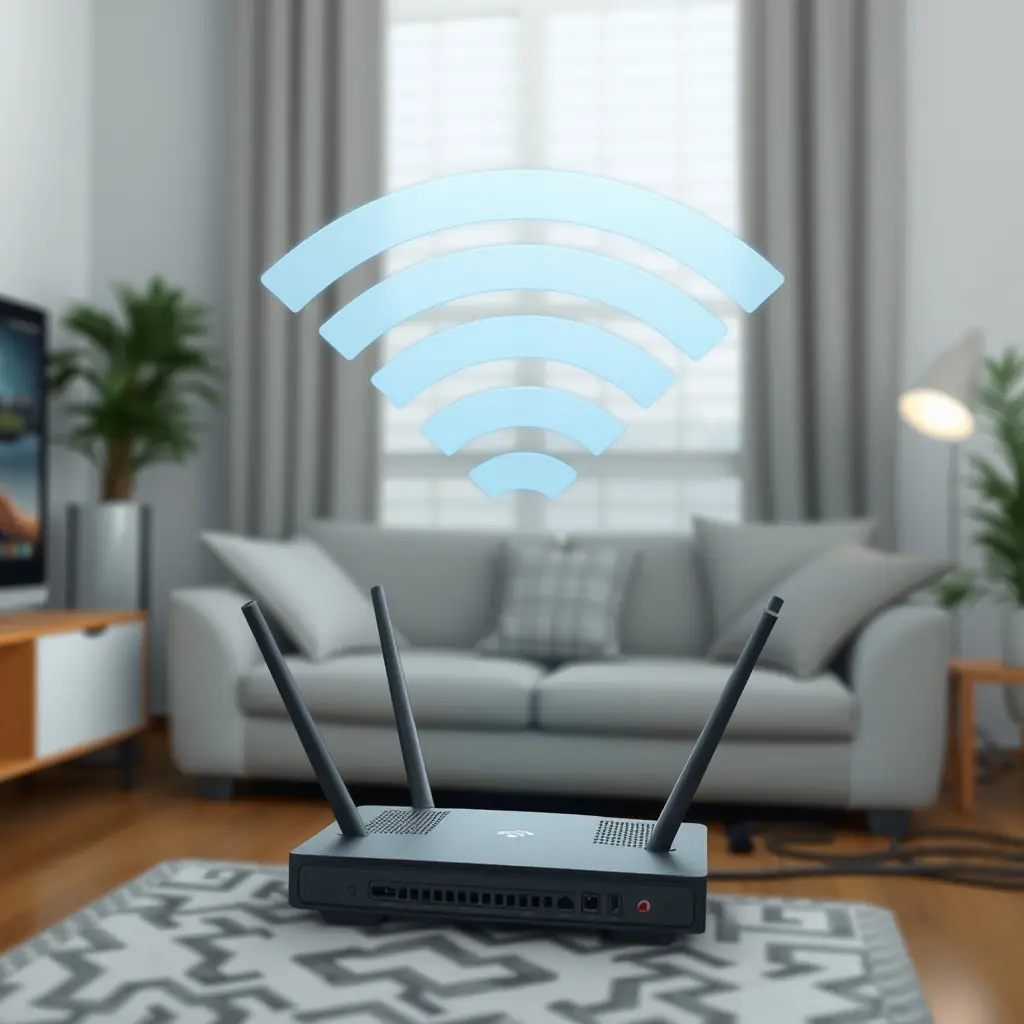
In larger homes, single-router setups may not suffice. Mesh Wi-Fi systems and Wi-Fi extenders offer solutions by expanding coverage and eliminating dead zones. A mesh system consists of multiple units placed around the house, creating a seamless Wi-Fi network. They offer more uniform coverage but can be costly. Wi-Fi extenders are more budget-friendly, boosting the signal from your existing router. However, they often provide slower speeds than mesh systems due to their reliance on the main router's capabilities. Weighing the pros and cons of each option can help determine the best fit for your needs.